Goodbye Windows
Goodbye Windows!
Last March, Windows president Pavan Davuluri confirmed that they were finally addressing “serious pain points” across Windows 11 with the internal project K2 that launched in Q4 2025. The promises are a movable taskbar, reduced RAM usage, less AI and ads, and a commitment to “evolve how Windows is built behind the scenes to raise the quality bar”.
Almost five years after Windows 11 launched, they are finally “listening” to users who have had enough but not quite yet to make the jump to macOS or Linux. Well, it might be too late.
Users who are still on Windows 10 do not want to update for the most part or can’t because of Windows 11 requirements even after Microsoft told them that Windows 10 would reach end of life on October 14, 2025. No more updates guys! Aren’t you afraid? It turns out, they were not afraid but really not happy at all about the news to the point that Microsoft gave in and offered 1 year of security updates which they extended by another year just a few days ago. Do you know what also happened on October 14 last year? Zorin OS (the Linux distribution that looks like Windows) launched its 18th version and passed 100,000 downloads in just over 2 days, making it their “biggest launch ever” and little did they know it was only the beginning.
Less than a month after Windows 10 EOL, Pavan Davuluri announced that Windows was “evolving into an agentic OS, connecting devices, cloud, and AI”. That announcement went as well as you can imagine. #Microslop trended and forced them to lock down the Copilot AI Discord server after an influx of messages sharing how much they “loved” the new direction.
During that time, competitors were not resting on their laurels. On March 11 of this year, Apple released the Neo - its cheapest MacBook ever - and they’re selling like crazy (1.1 million MacBook Neo units in the first quarter of the year, according to IDC, making it one of the strongest Mac debut performances in recent memory).
Up until a few months ago, I didn’t really have an issue with Windows 11 and most of the AI features they released in the past year didn’t really impact me which I believe I can only attribute to the use of a local account instead of a connected one. They are making it more difficult now to use a local account and it was still a battle to turn off every setting in the system to avoid as many annoyances as possible. More recently, I started to have issues: BSOD, lags, system freezes and crashes. I removed as much bloat as I could, tracked disk/RAM usage and temperatures, but the system after startup was still using way too many resources and I wasn’t sure if the issues I was having were completely fixed.
“Is 2026 finally the year of the Linux desktop?” I asked myself.
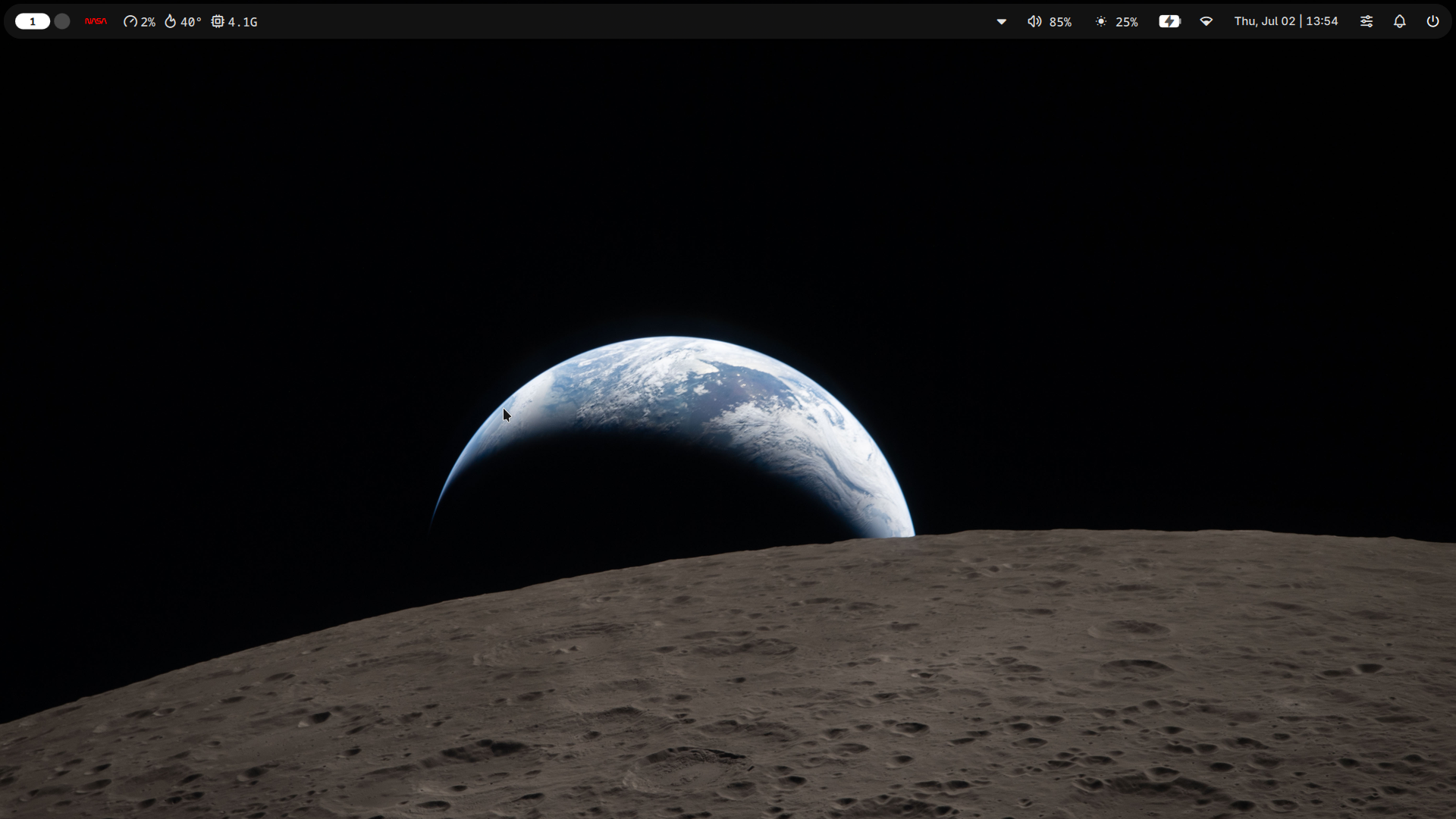
I’ve already experimented in the past and had a dual-boot Linux flavor installed, but this time I didn’t want half-measures. I’m already spending a lot of time on WSL and on Debian since I started my homelab, so it made sense to finally switch. I went on Distrowatch and Hacker News, spent some time reading about the greatest and latest distributions until I settled on Fedora KDE. I created a bootable USB key, tried the live version, and was one click away from wiping my entire drive. I read one last article about CachyOS and how optimized it was and decided to spend a bit more time reading about it. A video I watched suggested pairing it with Niri and Noctalia, so I made another bootable USB key and the experience was so good that I clicked on the “Install” button.
The first thing that surprised me was how quickly the OS installed. The second one was how few resources the system uses after login (about 1.4GB of RAM vs around 8GB on Windows). The third was how pretty much everything worked out of the box. No need to set up or tweak sound/video drivers, even the touchscreen on my Dell Latitude 7420 worked right away (mind blown)!
It still took me a few days to tweak things here and there as I used it as my daily driver. I’m still discovering small inconveniences (lockscreen not showing up after closing and reopening the lid, login screen theme, sound output when connected to HDMI) that I need to fix but unlike on Windows, it’s 1) possible to fix them and 2) isn’t that hard with the right resources at hand.
It’s been less than a week, so I’m still adjusting (mainly to the keyboard bindings on all apps) but so far so good! If you’re considering the switch but haven’t made it yet, do it!